Unlock Claude Cowork
EP. Claude Design
Learn how to let Claude help you design
from UI, Landing Pages all the way to Presentations — in 60 minutes
Date
May 4, 2026
Time
10:30–11:30 AM
Format
Online Webinar
Cost
Free


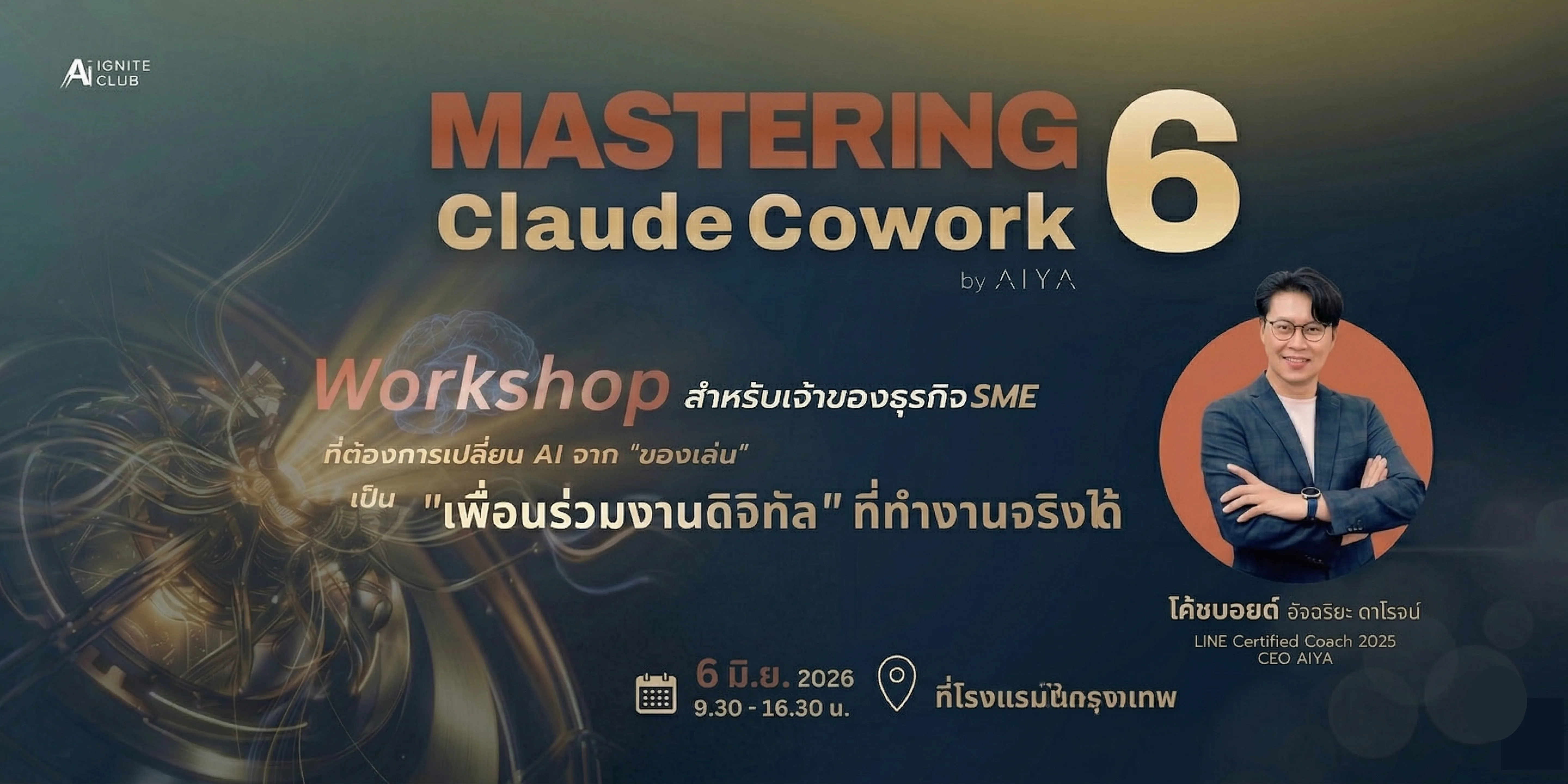
Coach Boyd Achariyadaroj
CEO, AIYA.AI & AI Expert
Uses Claude for real design work every day — from UI and landing pages to presentations, all without relying on Figma or hiring extra designers.
This Webinar Was Designed for You
If you want to design work yourself without opening Figma — this is the webinar you need.
Business owners who want to create design work themselves without hiring a designer every time
Marketers or Content Creators who need visual content but are not comfortable with Figma
Developers or PMs who want to prototype or mock up UI faster
Teams looking to reduce dependency on designers for small, everyday tasks
What You'll Gain from This Webinar
60 minutes that will help you design work faster — without relying on Figma or a designer.
Can Claude Really Design UI?
Understand how far Claude can help with design work and in which situations it can replace Figma.
Prompting for UI/UX Design
Prompting techniques that guide Claude to create components, layouts, and design systems in the right direction.
Build a Landing Page with Claude
Demo of instructing Claude to build a landing page from structure and copy all the way to deploy-ready HTML.
Design a Presentation with AI
How to use Claude to write content and design a slide deck that looks professional — without opening Canva.
When to Use Figma vs. Claude
Understand the use cases where Claude outperforms and falls short of Figma so you can pick the right tool.
Live Q&A
Ask Coach Boyd directly about applying Claude to your real design work in a live Q&A session.
Webinar 10:30–11:30 AM
60 minutes split into 2 demo sessions and a live Q&A
Opening + What is Claude Design?
10 minWebinar overview and why Claude can assist with design work without ever opening Figma.
Demo: Prompting for UI/UX & Landing Page
20 minLive demonstration of instructing Claude to build components, layouts, and a landing page from start to finish.
Demo: Design a Presentation & Skip the Designer
15 minWatch how to create a full slide deck and visual content using Claude alone.
Live Q&A — Ask Away
15 minGet direct answers on using Claude for your real-world design challenges.
Frequently Asked Questions
Who is this webinar for?
Anyone who works and needs design output — marketers, founders, developers, or PMs who want to reduce time and cost on design work.
Do I need prior design knowledge?
Not at all. This webinar is designed for people who are not experienced in design but want to use Claude to help with design tasks.
Which Claude plan do I need?
Claude Free or Pro is fine to follow along with the demos. If you want to try things live during the session, Claude Pro or above is recommended.
Will this webinar be recorded?
There are plans to record it for registered attendees. Details will be shared via LINE.
How long does it take?
60 minutes, from 10:30–11:30 AM, split into 2 demo segments and a live Q&A at the end.
Ready to Design with AI
Without Opening Figma?
Free 60-minute webinar starting at 10:30 AM on Monday, May 4, 2026.
Register to receive your join link.
Free · May 4, 2026 · 10:30–11:30 AM · Online Webinar